Story planning for real serials
Characters, relationships, lore, the flow of earlier chapters, even foreshadowing you haven't paid off yet — Loreve Agent finds and reads what it needs. You can also point it at exactly what to read.
BetaAI novel writing app
Loreve Agent understands your manuscript, lore, characters and foreshadowing, and suggests where the story can go. Your manuscript stays safely on your computer.
Loreve is a desktop app for Windows and macOS. Please download it on your computer.
Loreve Agent
Characters, relationships, lore, the flow of earlier chapters, even foreshadowing you haven't paid off yet — Loreve Agent finds and reads what it needs. You can also point it at exactly what to read.
Manuscript edits, new characters and lore entries are shown side by side, before and after. Nothing changes in your manuscript until you review and apply it.
Even complex requests are planned out and carried through. It reads many sources at the same time and searches the web when it needs to.
When a conversation gets long, it summarizes itself and keeps going, and it remembers the details you ask it to keep for the next conversation. It writes chapter summaries for you, too.
Writing tools
Every writing tool except Loreve Agent is free. Lore, characters, relationship maps, world maps and your release schedule — all in Loreve.
Import and export in the format your platform expects, focus mode and split view to keep you productive, and search across your whole project.
Read the guide →Build lore entries and character cards shaped around your story. See and manage every character at a glance on the relationship map.
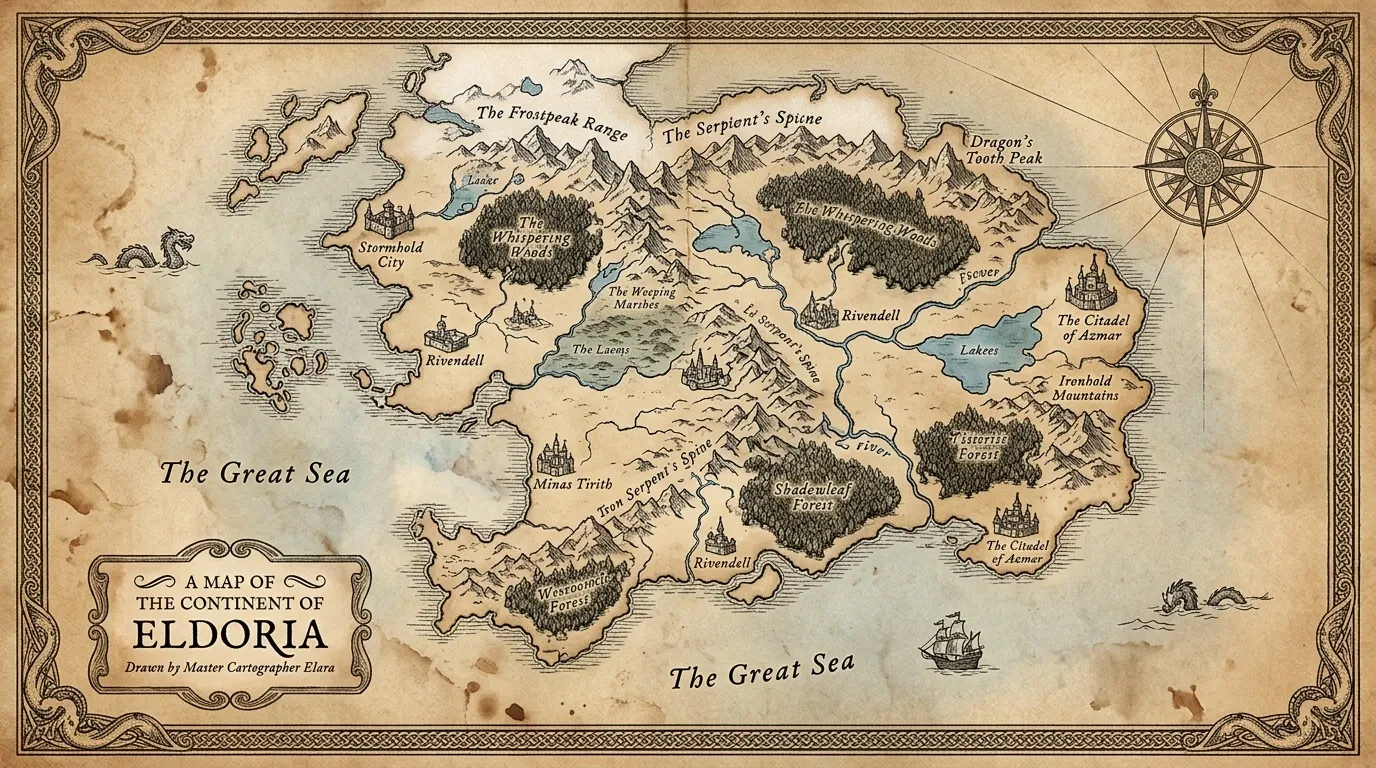
Read the guide →Upload a map you drew and place the locations from your lore on it. Keep your story's world in view as you write.
Read the guide →Plan release dates around your publishing days, and track chapter status and other deadlines inside Loreve.
Read the guide →Your manuscript is yours
Your manuscript and lore are saved as Markdown files in your own folder. They are never uploaded to Loreve servers or sent anywhere else.
What the AI reads is sent to an AI provider only to handle that request. It is never used for training, and Loreve's servers don't keep it.
The agent only shows where to edit, before and after. Your manuscript doesn't change until you apply it.
Writing tools like the manuscript editor, lore, characters, relationship map, world map and release schedule are all free, and no sign-up is needed. Loreve Agent is for members, and you get trial credits when you sign up. For more, use a Standard or Pro subscription or top up extra credits.
In your project folder on your computer, as plain Markdown (.md) files. You can back up the whole folder or keep it in a cloud drive, and open the files with any editor, even without Loreve.
No. What the agent reads is sent to an AI provider only to handle that request. It is never used for training, and Loreve's servers don't store it. See the Privacy Policy for details.
Credits are used based on the model you choose and how much the agent does (reply length, what it reads and the tools it uses). Every reply shows the credits it used, and requests that fail because of an error or a dropped connection are not charged.
All writing tools work without an internet connection. Loreve Agent needs one.
Windows 10 and 11 (64-bit) and macOS (Apple Silicon and Intel). There is no phone or tablet app yet.
You can import TXT, MD, DOCX and HWPX files. Each file becomes one chapter, and you can import many files at once.
If you haven't used any of the credits you received, you can get a full refund within 7 days of payment. You can cancel your subscription any time. See the Terms of Service for details.
Loreve is a desktop app for Windows and macOS. Please download it on your computer.
Free to start · Windows · macOS